Widget Preview Tab
Use this tab to preview placement, control visibility, and match the widget to your brand.
Widget Placement
Placement options
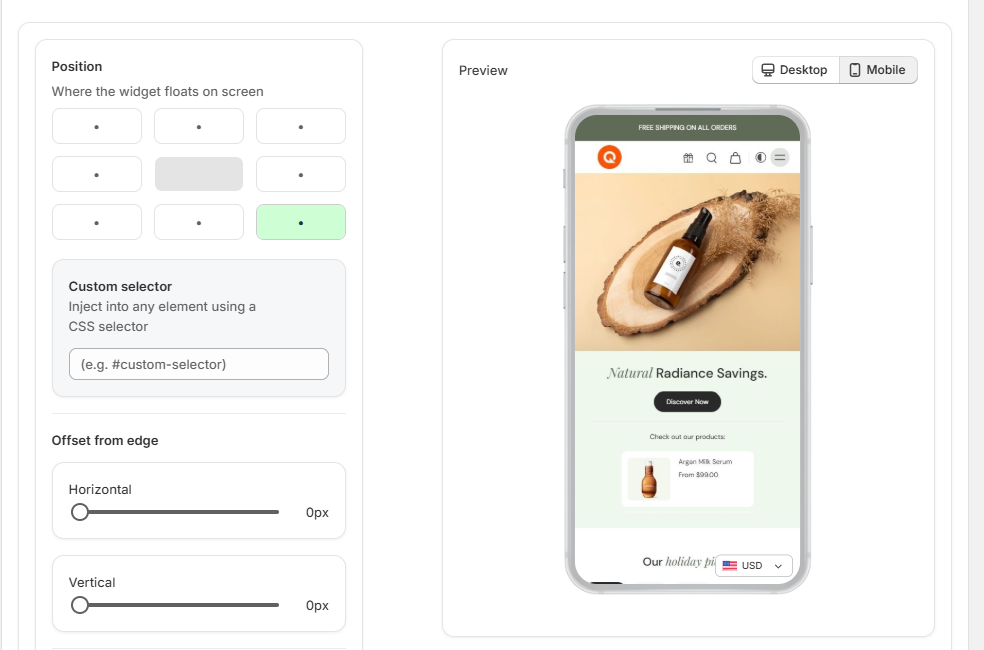
- Positioning: Set the wizard position exactly where you want it.
- Custom Injection: Use a specific CSS Class or ID to inject the widget into a custom part of your theme.
- Edge Offsets: Adjust the distance from the screen edges for both mobile and desktop.
Branding & Visibility
Branding controls
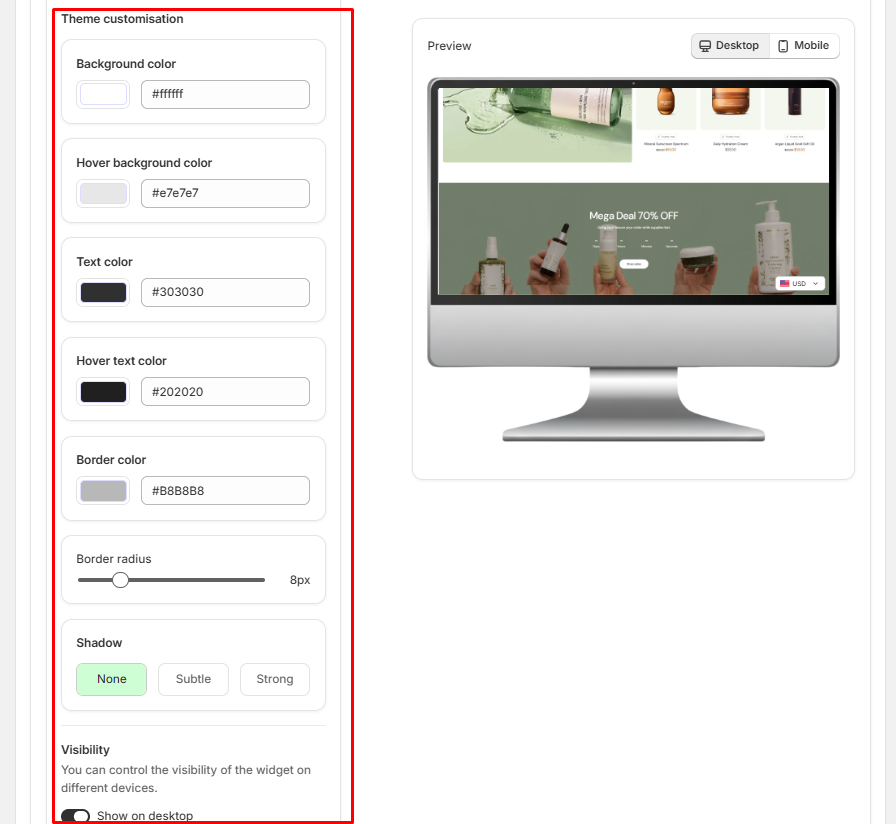
- Full Branding: Change the background and text colors to match your store's exact branding.
- Device Visibility: Choose to hide the wizard on specific devices (for example, hide on mobile but show on desktop) while keeping currency conversion active.